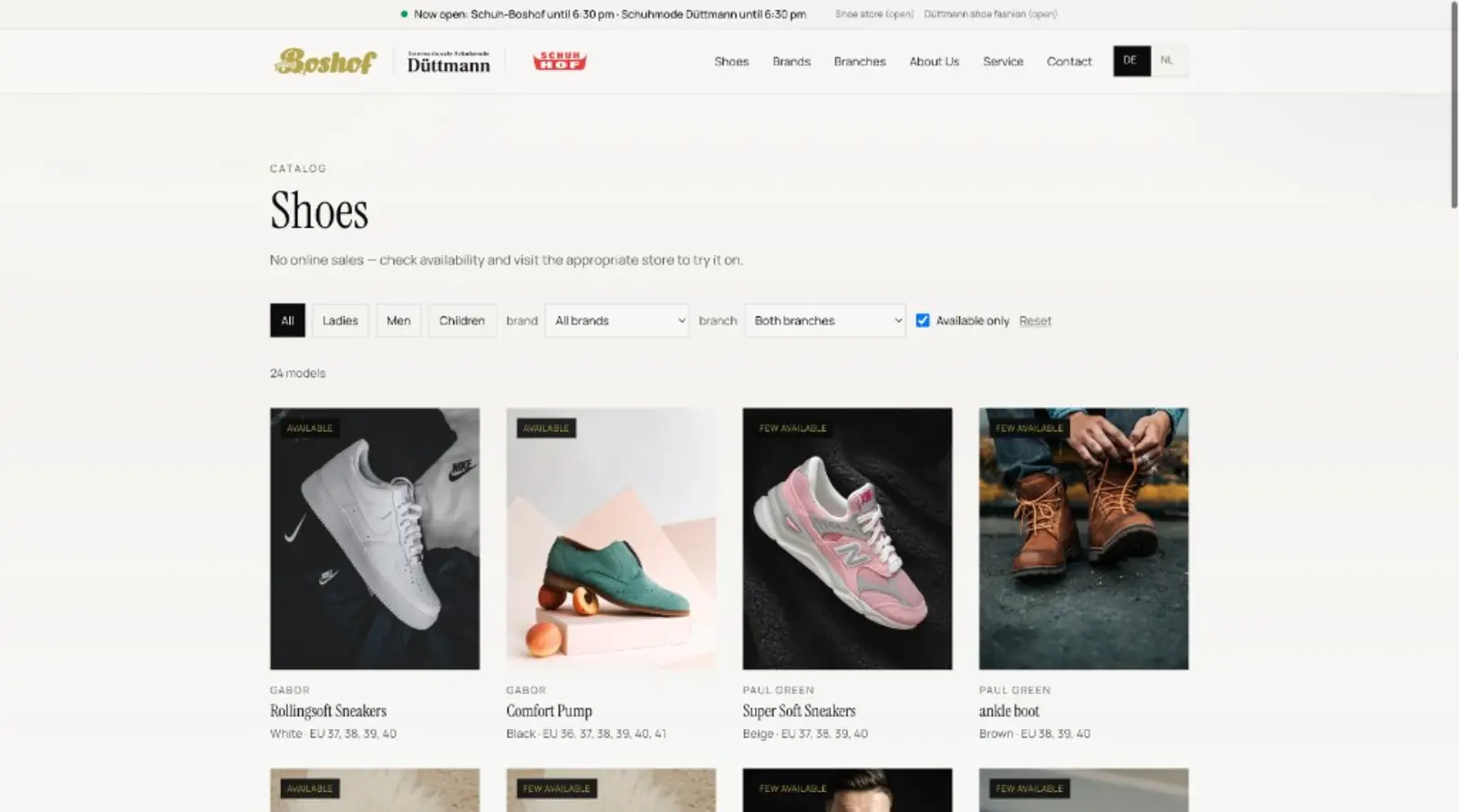
Shopify & custom app
A bespoke Shopify store, custom app and nursery integrations
Weber Rosen needed more than a new online shop. We built a bespoke Shopify theme and a custom admin app, migrated the plant catalogue and connected the shop to the software the nursery already used. The project also covered its domains and email migration.
What they needed
The nursery needed a clear way for customers to browse roses and fruit plants, while keeping specialist plant information and commercial availability manageable. The new shop had to work with Webart and the existing desktop stock workflow, without maintaining two lists by hand or losing the links on printed plant labels.
What we did
We designed and developed the Shopify theme, migrated the catalogue and built an app inside Shopify Admin for plant editing, Webart imports, order exports and the nursery stock editor. We also preserved historic catalogue links and QR codes, added controls for a staged shop launch, and handled domain, DNS and email migration.

Weber Rosen
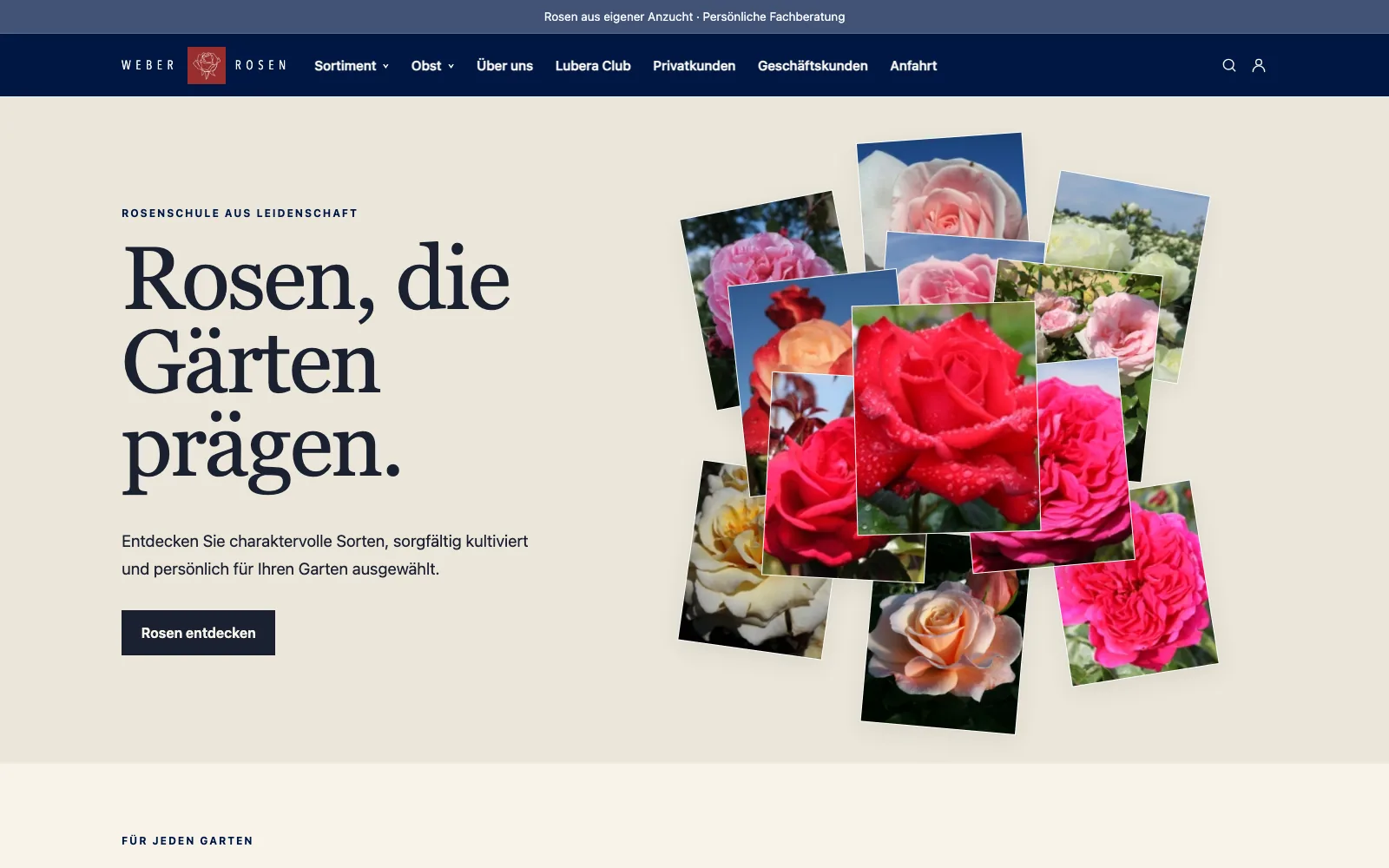
The German-language storefront brings together the nursery’s plant catalogue and online shop. Behind it, the custom app gives the team tools for updating plant content, bringing in Webart data and passing online orders back to its existing system.
- A bespoke storefront with plant-specific information and filters
- A custom admin app for catalogue and nursery workflows
- Existing QR codes and historic links carried into the new catalogue
- Domains and email migration handled alongside the website
The full project
From the storefront to the day-to-day tools.
A storefront built around the plants
We built a bespoke, German-language Shopify theme for roses and fruit plants. Product pages bring together photographs, descriptions and characteristics such as colour, growth, fragrance and plant health. Search, filters, product recommendations and the cart help visitors browse the range and shop on mobile or desktop.
Moving the existing catalogue
The migration tools brought over product descriptions, images, plant characteristics and catalogue categories from the previous Joomla website. We mapped the nursery’s article numbers to Shopify products and variants, and built collections and filters around the catalogue’s existing structure.
A custom app inside Shopify
We developed an embedded Shopify app with separate screens for plant content, Webart imports, online orders and the nursery stock editor. The team can edit plant descriptions, characteristics and images, with the relevant storefront filter tags updated alongside those changes. Product previews and QR-code generation are available from the editor, so the team can create printable codes that link plant labels to the catalogue.
Bringing Webart data into the shop
The nursery uploads its Webart workbook through the app. It previews matches and flags ambiguous records before applying article numbers, prices, availability and delivery information to Shopify. The import keeps this commercial data separate from the plant content maintained in Shopify.
Sending online orders back to Webart
New Shopify orders generate files in the format the nursery’s existing system expects. The team downloads the files from the app and imports them into Webart. Article numbers connect each order line to the right product, and repeated order notifications are handled without creating duplicate exports.
Keeping the existing desktop workflow
We connected a new browser-based nursery stock editor to the existing ListenDrucker and Access workflow. The team can send its lists from the desktop software, edit them through the Shopify app and retrieve the changes afterwards. We preserved the existing connection address and data format so that workflow could continue.
Protecting plant labels and historic links
Existing plant IDs, printed QR-code links and old catalogue URLs are carried through to the Shopify catalogue. The catalogue tools maintain those identities and redirects as products change. We also introduced QR-code generation and printing for plant pages, and missing historic redirects are reported in the admin app for follow-up.
Switching between shop and catalogue
We built a switch between shop mode and catalogue mode. The nursery can use the same Shopify store to present its range without prices and checkout, or enable online purchasing when it wants to sell. Selected customer accounts can also preview shopping while the public site remains in catalogue mode. The wider project also included domain and DNS migration and tooling to copy existing email into the new hosting setup. These changes supported the move from the previous website and provider.
Services
- Bespoke Shopify theme design & development
- Custom embedded Shopify app
- Catalogue & product-data migration
- Plant characteristics, image & description editor
- Webart price, SKU & availability imports
- Automatic Stock Updates
- Webart-compatible order exports
- Legacy desktop stock-workflow integration
- QR-code generation & historic URL redirects
- Shop/catalogue mode switching & shopping-preview controls
- Domain & DNS migration
- Email migration
Tell us which system you use and what you want customers to see online. We'll check the connection, agree the information to synchronise and confirm how often it updates before we begin.
Connect your website to your stock Start a project